SSH without the laptop.
Readable text, native system keyboard, scrolling, pinch-to-size, and shortcuts such as Ctrl+C, Tab, and Esc.
Turn reMarkable 2 into a focused workspace for SSH, static web reading, remote desktop, and RSS—designed around e-ink instead of fighting it.
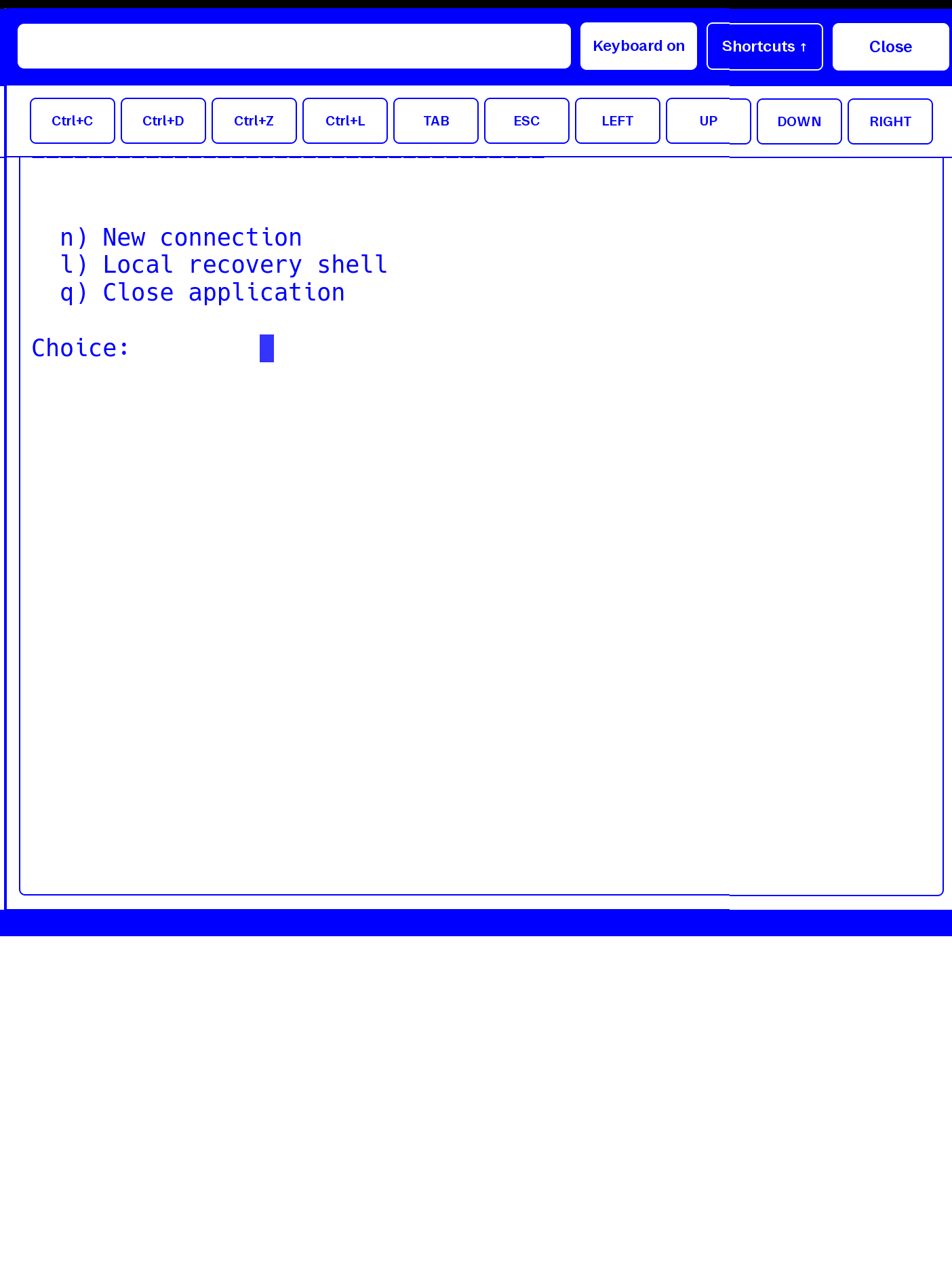
A consistent monochrome interface, large touch targets, deliberate refreshes, and no background churn. Each tool is tuned for what an e-ink screen does well.
Readable text, native system keyboard, scrolling, pinch-to-size, and shortcuts such as Ctrl+C, Tab, and Esc.
Reader-first browsing, mobile or desktop mode, optional static images, tap-safe links, zoom, and e-ink scrolling.
A monochrome FreeRDP client with local profiles, native keyboard, useful shortcuts, pan, and zoom.
RSS and Atom feeds, favourites, read state, full-text extraction, science starters, and an offline cache.
See the installed version, read release notes, and install a signed, verified update without opening a terminal.
The Terminal, RSS, and RDP images are real reMarkable 2 captures from physical touch tests. The Web panel illustrates its reader layout. Controls stay visible when they prevent friction; secondary actions stay grouped and out of the reading area.
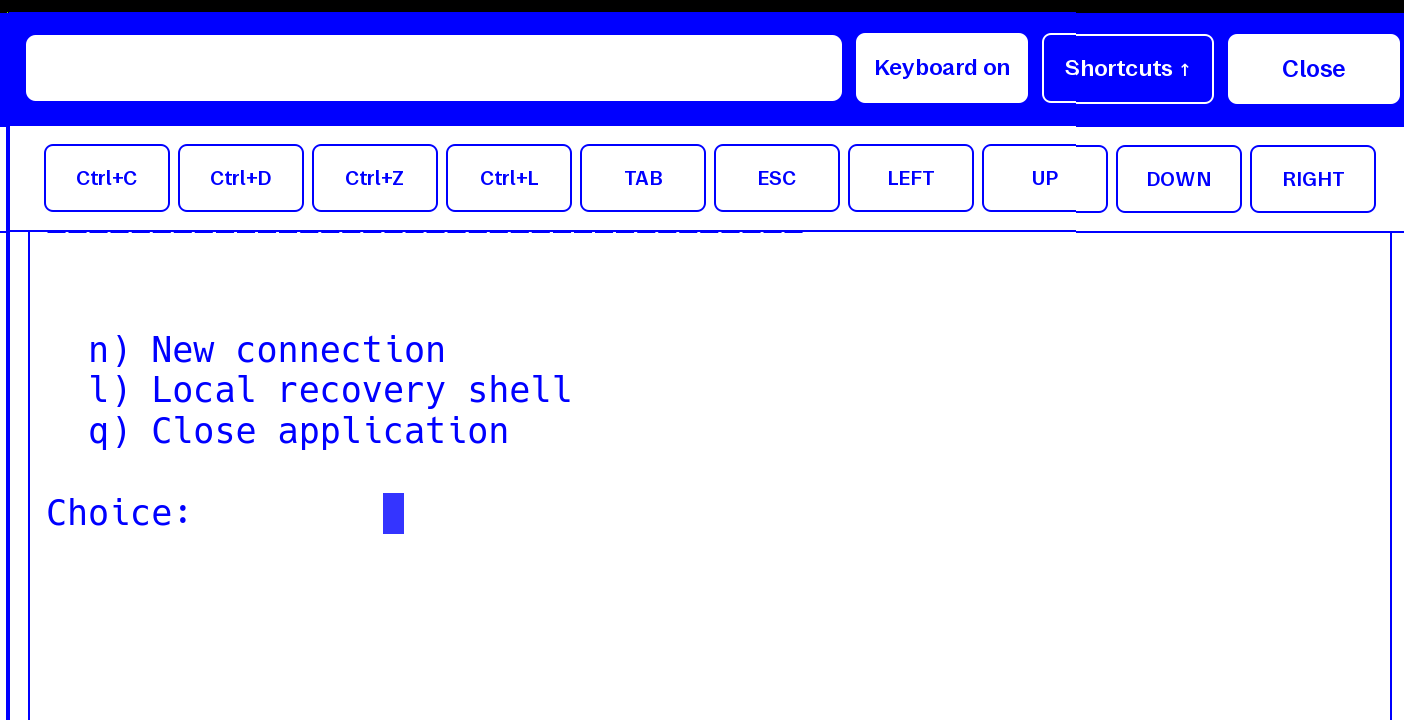
The system keyboard handles text. A compact drawer adds Ctrl+C, Ctrl+D, Ctrl+Z, Ctrl+L, Tab, Esc, and arrows—the keys an on-screen keyboard often omits.
Clear headings, readable text, and links you can tap without losing your place.
Explore the guide →Designed for long reading sessions on an e-ink screen.
Back, address, Mobile/Computer, pictures, and zoom stay close to the page. The keyboard appears only when the address field needs it.
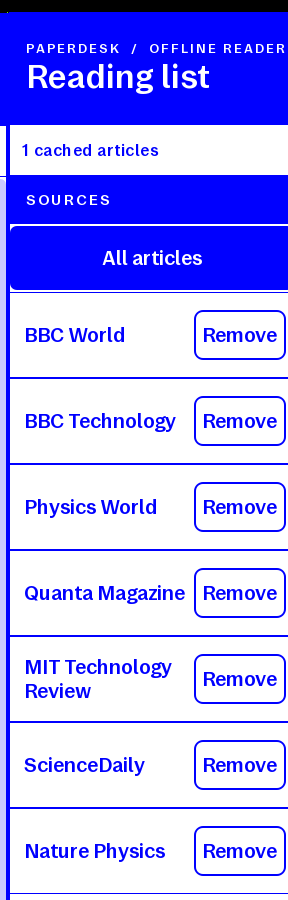
Refresh and Add feed are explicit; filtering is one tap. Removal remains beside each source because feed management must stay reversible and local.
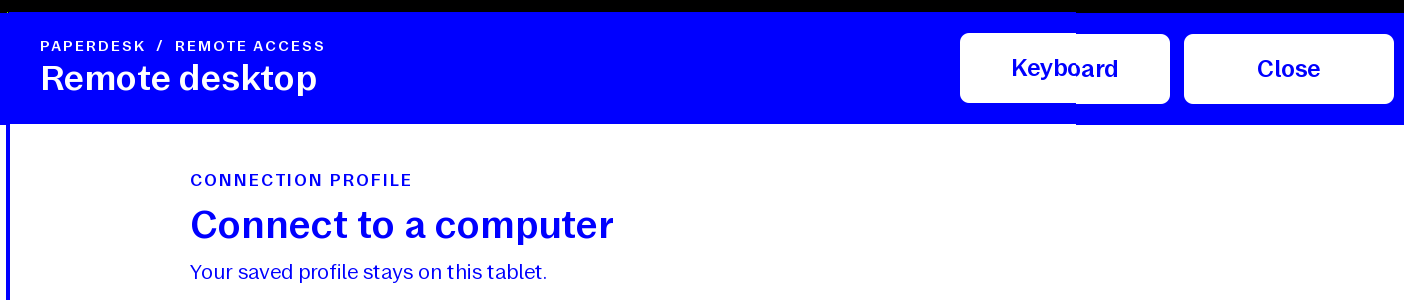
A saved local profile gets you connected quickly. Once inside, pan and pinch navigate the desktop; keyboard shortcuts stay grouped, while Close remains a large, reliable escape hatch.
No permanent browser keyboard, decorative toolbars, animated feedback, hidden edge gestures, or duplicate Home buttons. If an action does not help connection, navigation, reading, or recovery, it does not get screen space.
PaperDesk does not pretend an e-ink tablet is a fast LCD. It turns those limits into a calmer way to check a server, read a page, or reach a remote computer.
Updates are batched and triggered when they matter, reducing needless flashing and ghosting.
Stable targets and physical-tablet journeys exercise taps, swipes, pinches, keyboard input, and close flows.
No PaperDesk account and no telemetry. Connection profiles and reading data stay on the tablet.
PaperDesk stays free to use, inspect, modify, and share under its component licences. There are no paid features, accounts, telemetry, ads, or artificial limits.
Current verified target
reMarkable 2 · OS 3.29.0.149 · XOVI 0.3.3 · AppLoad 0.6.0 · LiTerm 0.1.7
Contributions fund real-device testing, compatibility work after firmware updates, documentation, and the boring maintenance that makes experimental software dependable.
Ko-fi opens in a new tab. Contributions are optional.
For experienced users. Read the compatibility notes and keep a recovery path.